Shot Capture Guide
Detailed Shot Capture Instructions
Accurately recording your shot is crucial for participating in our tournaments and ensuring you get paid for successful shot attempts. We’ve produced an easy-to-follow instructional video on recording your shot and submitting it to Skill Shot for verification. A step-by-step text guide is also available below.Important Note
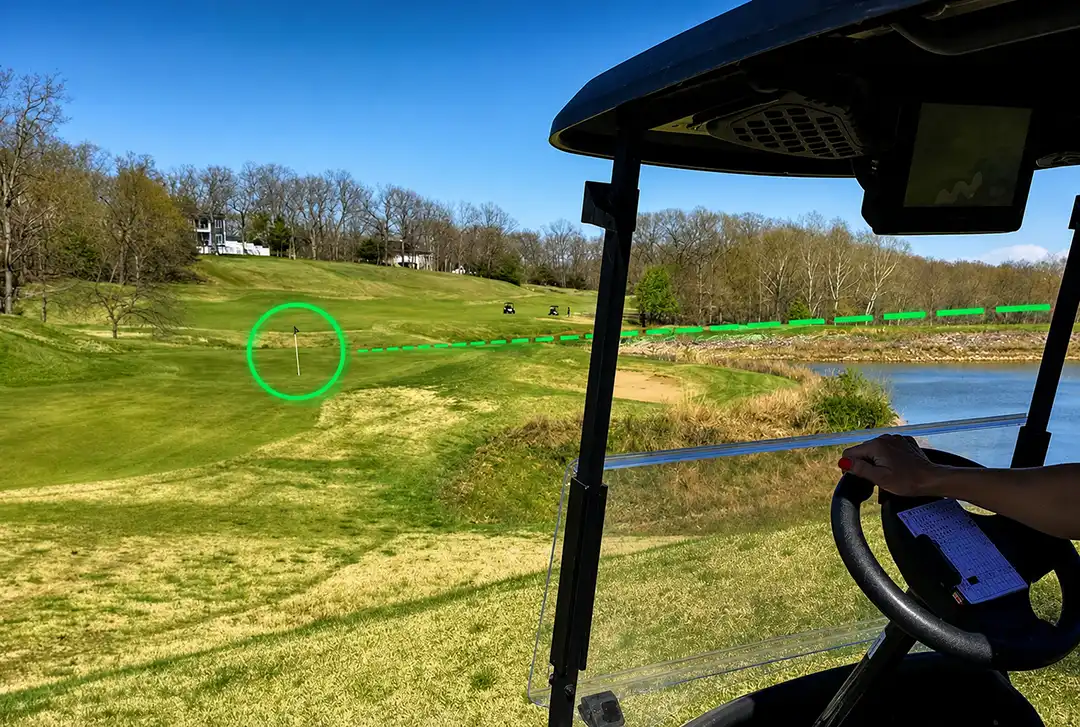
Not all par 3s will qualify. There must be a direct line of sight from the tee box to the green itself. Elevated greens, back sloping greens and any other obstructed views disqualify the hole. To avoid any video footage discrepancies, you must acknowledge direct line of sight to the cup before beginning your attempt.
1. Two-Digit Code & Golfer Preparation
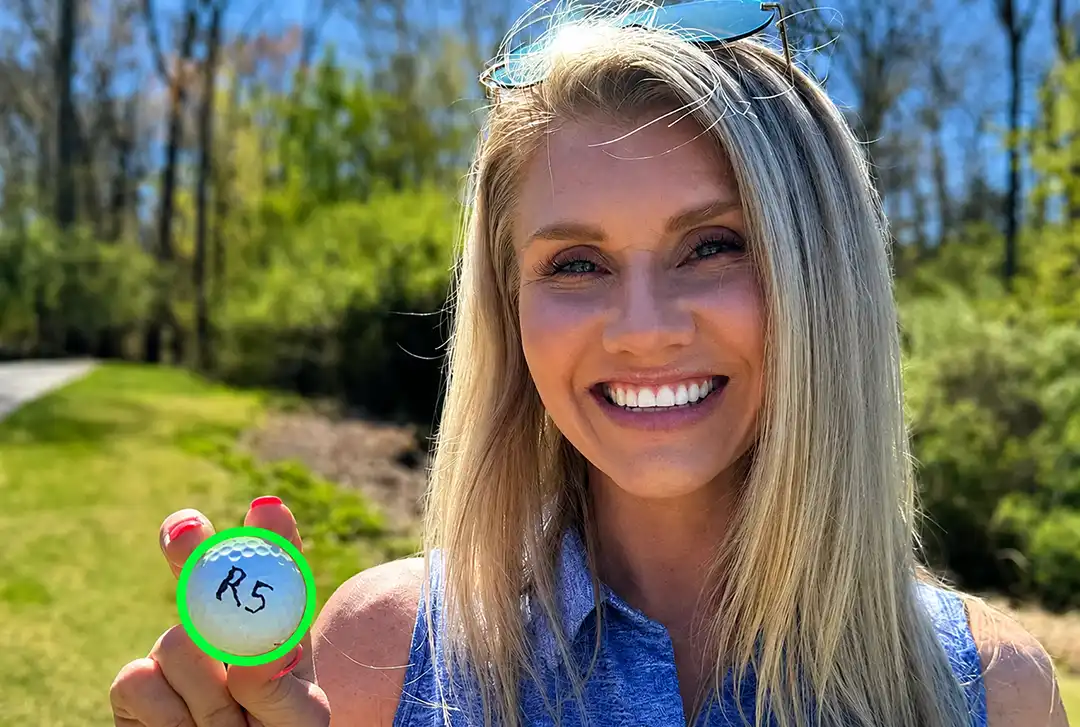
As soon as the record button is pressed, the Skill Shot App generates a two-character code. Read this code aloud for the golfer to write on the ball. Ensure the code on the ball is shown to the camera clearly.
2. Framing & Positioning
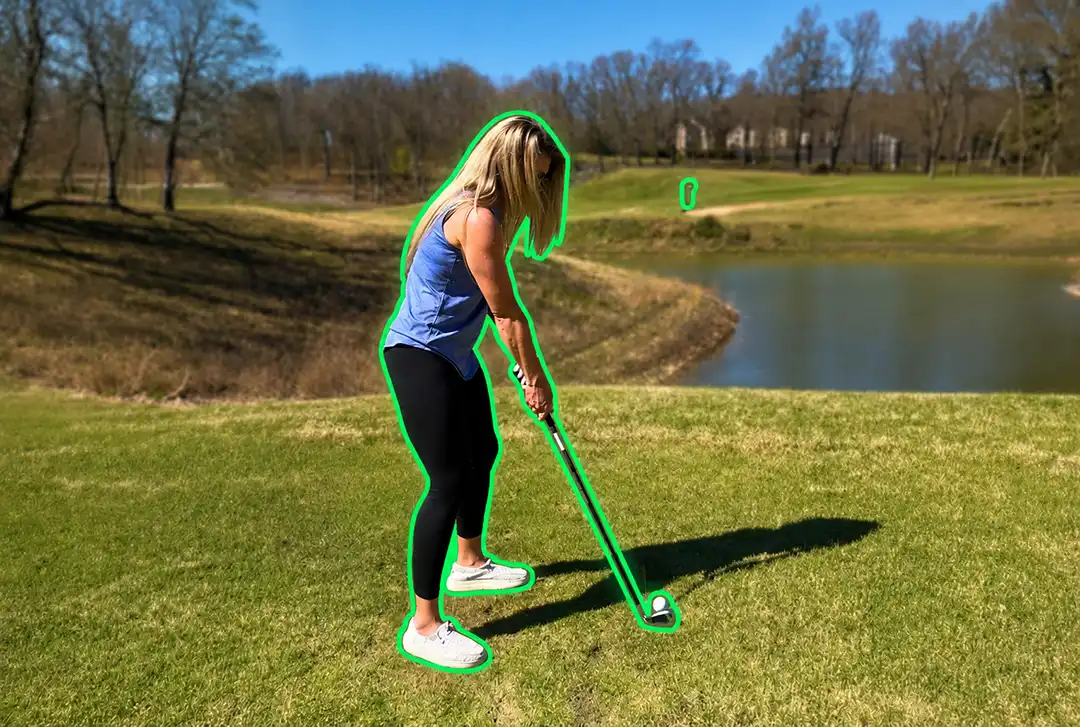
Properly frame the shot with the cup/flagstick in the middle, positioning the golfer to the side. The video should be captured from a slight angle, positioned back from the golfer, to the right for a right-handed shot and to the left for a left-handed shot. Ensure no golfers are near the green during the recording to maintain a clear focus on the attempt.
3. Steady Recording & Focus
Maintain steady hands and keep the cup/flagstick visible at all times. Keep the cup/flagstick in frame as you approach the green, ensuring the cup remains visible.
4. Retrieval & Verification
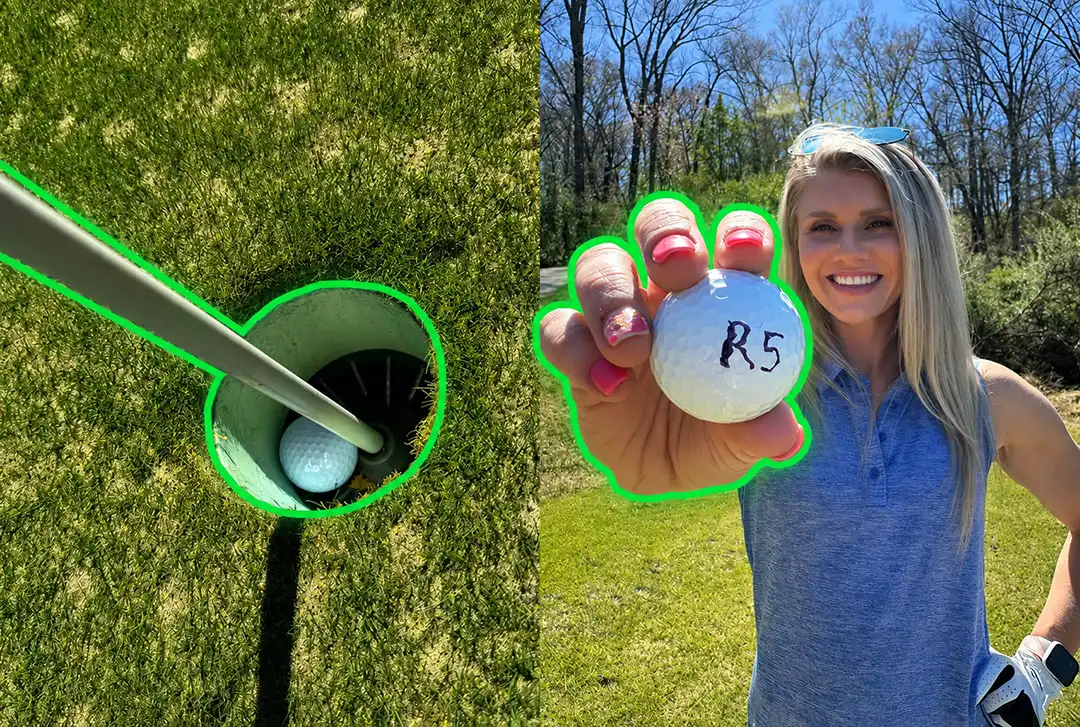
Accompany/follow the golfer to the green and film the retrieval of a qualifying shot attempt, NOTE: for shots within the radius of the flagstick, first lay the flagstick down so that the base is aligned with the lip of the cup. If any part of the ball crosses the top of the flagstick, it is a valid flagstick shot. Pick up the ball and show the shot code to the camera.
5. Concluding the Recording
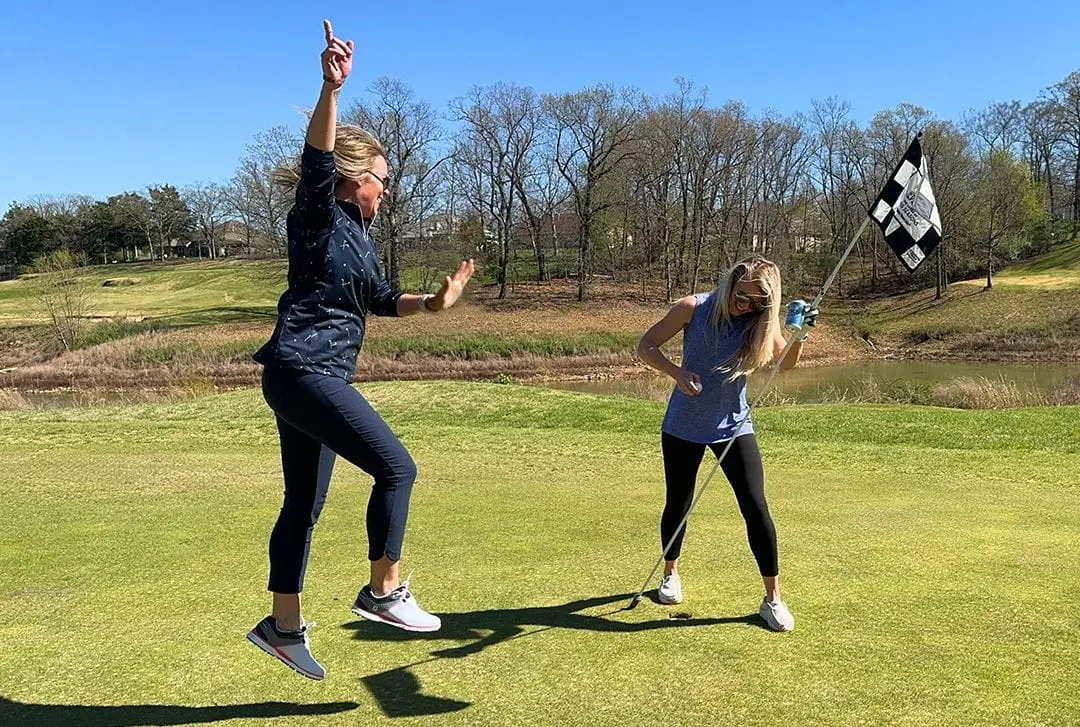
After successfully capturing the scoring shot and verification elements, you may continue to record celebratory footage or conclude the video. The video must be stopped within 5 yards of the hole. Hand the phone back to the golfer to begin the submission process through the Skill Shot app.Verification Checklist
Accurately captures the written code on the ball, visible and legible.
Includes both the golfer’s face and the ball in the same frame initially.
Captures the golfer making their shot from the wagering tee box, including the green in the background.
Maintains focus on the ball as it travels to the cup, capturing its entry.
Shows the golfer's face and the ball, with the code visible, after retrieval.
Remember, a well-captured video is key to proving your hole-in-one and claiming your prize. Follow these guidelines to ensure your success is properly recorded and acknowledged. For assistance, Contact our support team here on the website or through the Skill Shot app.